
Structure the software.
Connect the ideas.
An illustrated guide to modular design, coupling and cohesion, object-oriented concepts, UML, and tracing software behaviour.
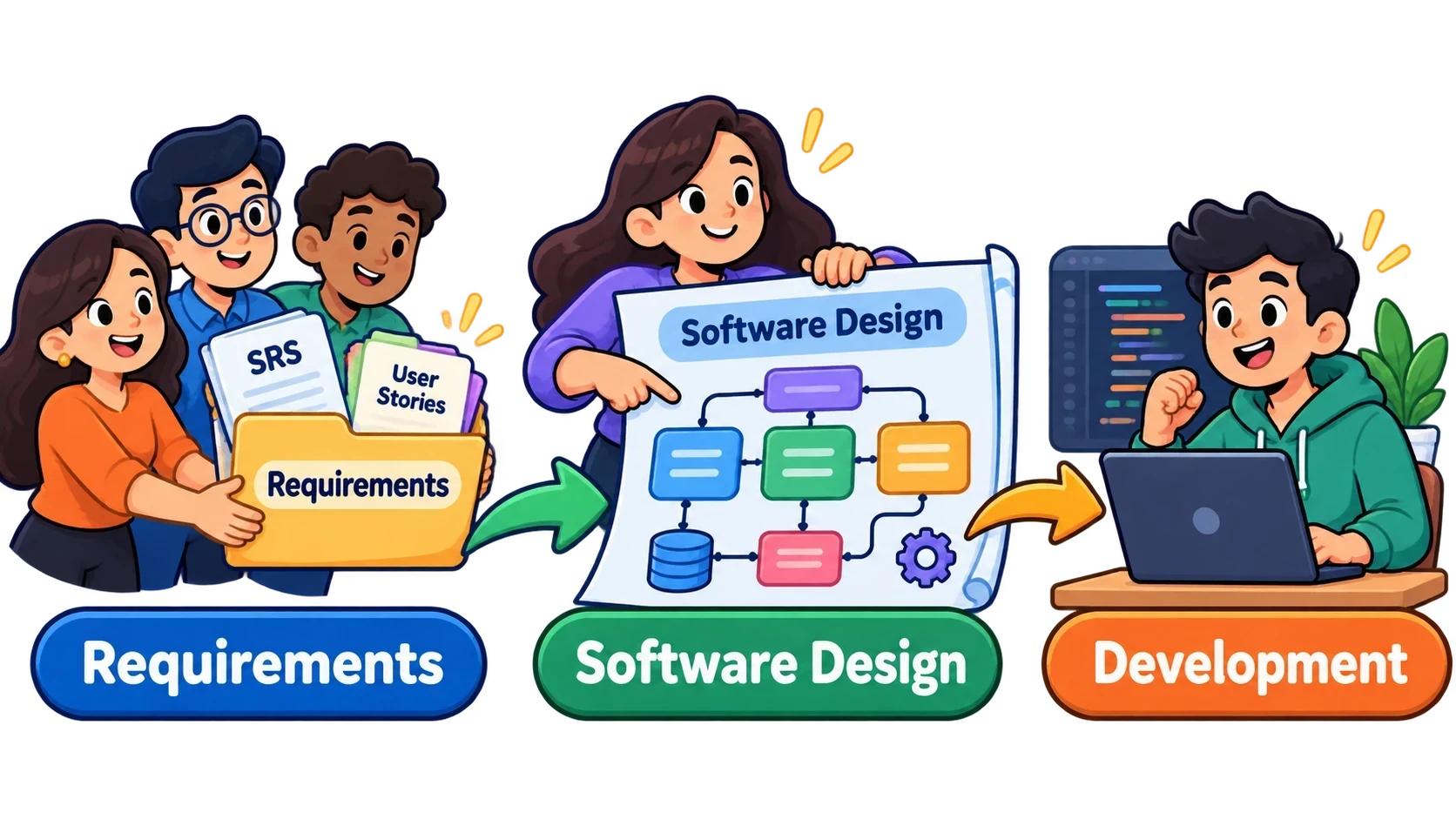 FROM REQUIREMENTS TO DESIGN
Study sections
Follow the order or choose a sectionSection 1 · Introduction to Software Design
Design begins after we understand the problem, but before implementation. This lecture asks what the design process produces and how we…
02Section 2 · Design Modularity
A modular design is not merely software divided into files. Its boundaries must make sense internally and limit unnecessary exchanges e…
03Section 3 · Object-Oriented Design: Basic Concepts
Object-oriented thinking organises software around collaborating objects whose data and behaviour belong together.
04Section 4 · Unified Modeling Language (UML) Diagrams
UML uses several complementary diagrams to communicate both the stable structure and time-dependent behaviour of a proposed system.
05Section 5 · VeriSIM: Comprehending Software Designs
VeriSIM reinforces modelling by asking learners to simulate a realistic scenario and trace precisely when state changes occur.
How to study: Read the explanation, study the corresponding cartoon or UML figure, then check your understanding at the end of each lecture. UML arrowheads, call directions and VeriSIM values have been preserved carefully.
Week 5 learning route
| Section | Core topics | Figures |
|---|---|---|
| 1 Introduction to Software Design | Components, interfaces, data, algorithms; Seller Portal; good design | 1–6 |
| 2 Design Modularity | Coupling, cohesion, four coupling types, five cohesion types | 7–22 |
| 3 Object-Oriented Design | Objects, encapsulation, classes, relationships | 23–32 |
| 4 UML Diagrams | Structural/dynamic views, class and sequence diagrams, modelling purposes | 33–41 |
| 5 VeriSIM | Smart-door requirements, design tracing, simulated lock states | 42–47 |
47 numbered illustrations accompany all five sections. The Seller Portal and door-lock figures reproduce teaching examples; invented numerical benchmarks and unnecessary UI details are excluded.